
Adding a bank account
Edited
This can only be done in the SynchPay app. Download it here.
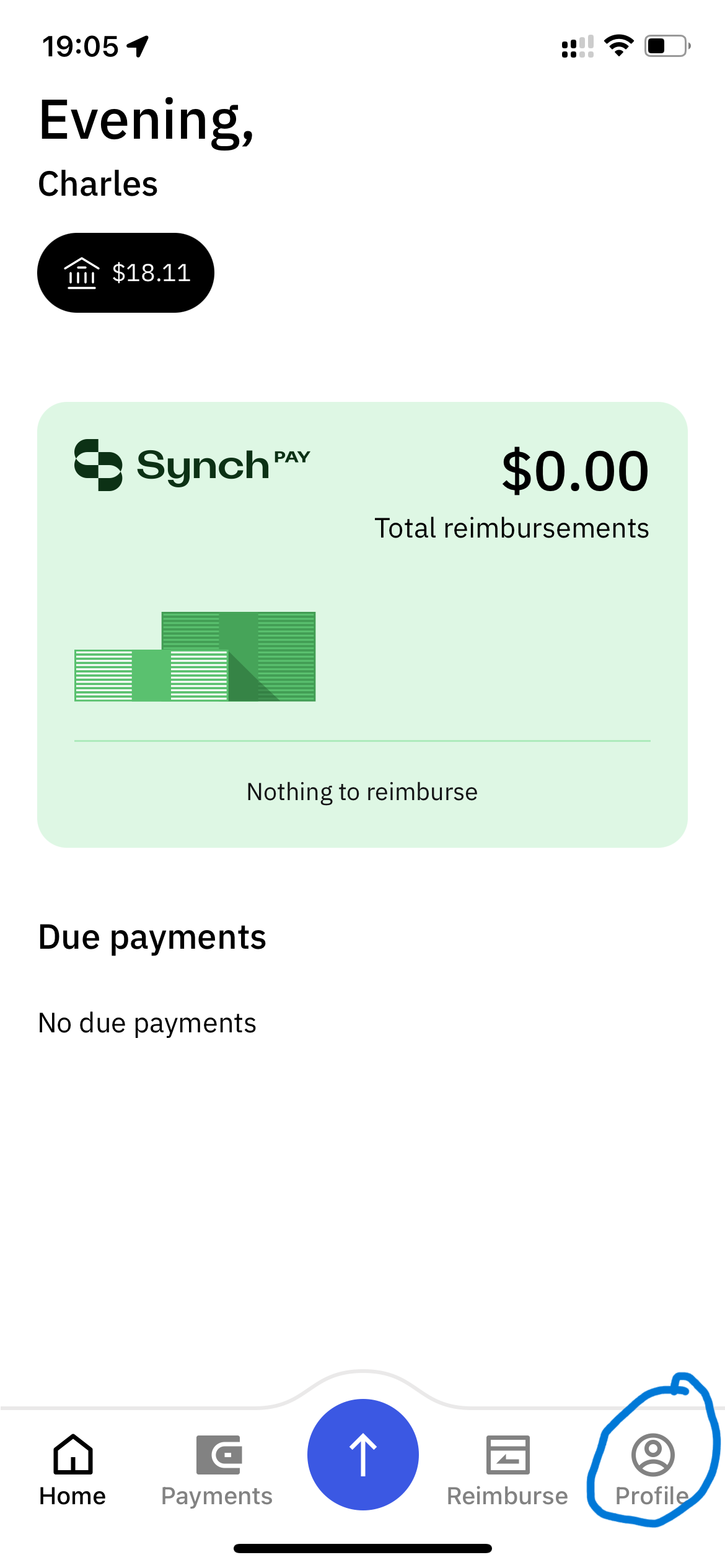
Open the app
Go to "Profile"
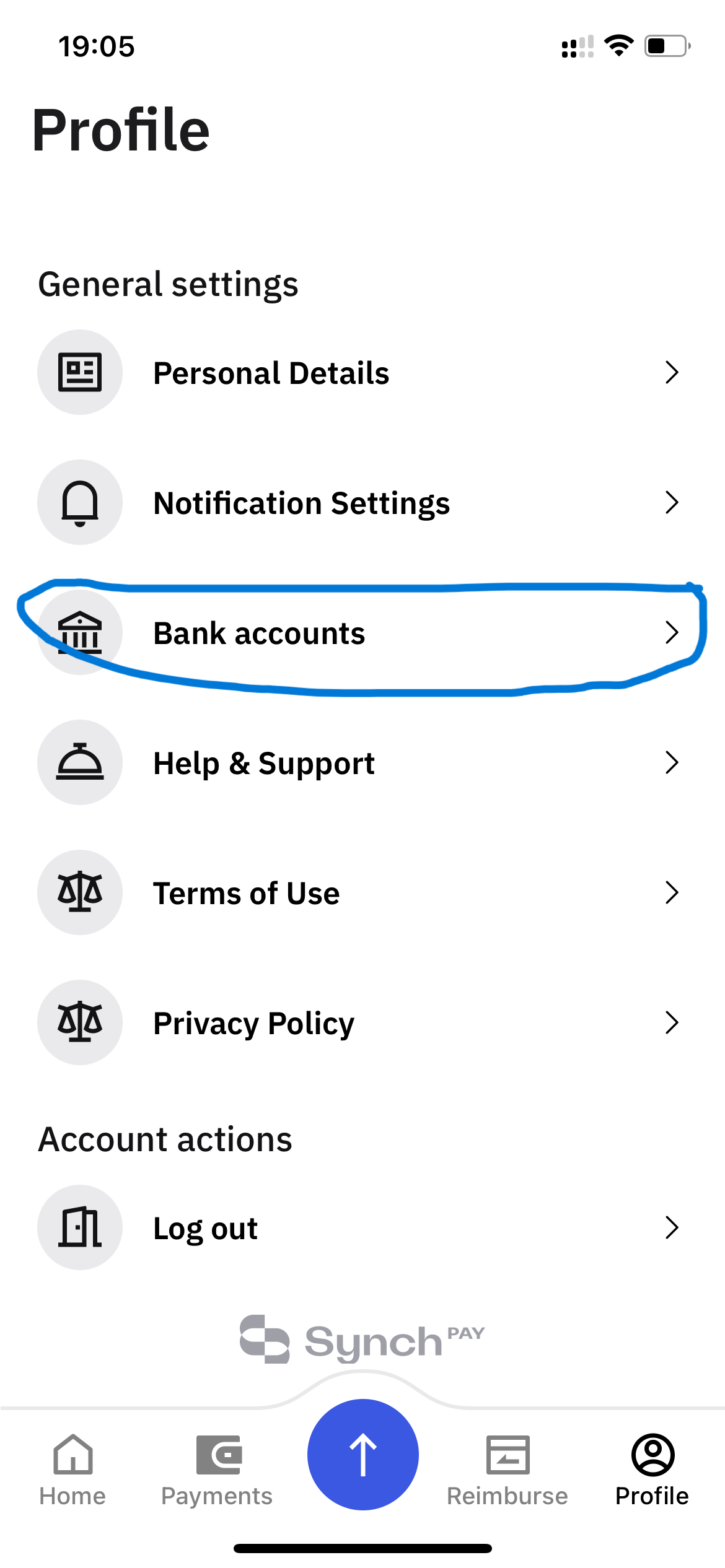
Tap "Bank Accounts"
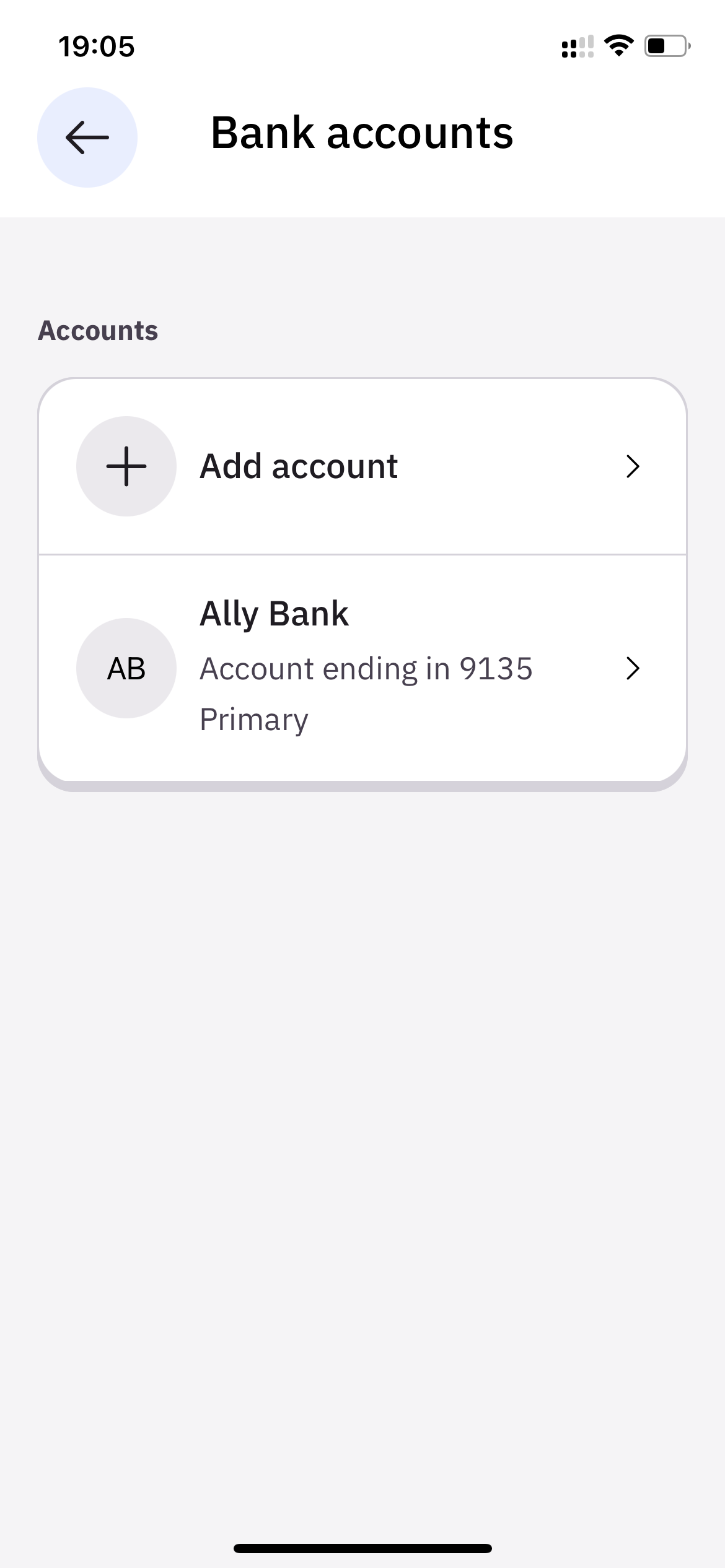
Click the plus sign
Add a new account. We recommend using a personal checking account at a major bank where possible.
Was this article helpful?
Sorry about that! Care to tell us more?